Yes, if
You trade spot gold or another spot commodity on your own judgement, can state your rules, and want distribution and a record without automation.
Gold is its own category on Triggon, with its own symbol list, its own instrument model, its own fee setting and its own ceilings; it is neither a currency pair nor a stock, and this guide does not treat it as one. If you trade spot gold or another spot commodity on your own judgement, this is the route: no TradingView, no code, no broker connection, and everything the terminal will enforce stated before you apply.
This route is open for applications right now.
Sample. Enabled instruments and the ceiling are read from the platform's settings.
You trade spot gold or another spot commodity on your own judgement, can state your rules, and want distribution and a record without automation.
Your instruments are exchange-listed futures contracts with delivery months (COMEX gold, NYMEX crude): Triggon does not offer them. Or your Strategy runs as a Pine Script Strategy on TradingView: the commodities Algo guide →
Nine steps; five before the application, four inside Triggon. The application's route screen shows the same list.
Its markets, timeframes, trading styles, maximum leverage, take-profit method and the most you risk on one position. The application asks for exactly these, and the Signal Terminal enforces them.
The symbols you register are the ones your Signal Terminal will offer you, so register what you actually trade. Pick them from the application's picker. Available now: every symbol on Triggon's commodities list. You can register up to 1 in one application.
The maximum capital risk per position and the maximum leverage you declare are checked on every Signal you send. Declare what you actually do.
Your public name, a one-line summary, a full description, optional links and images. Subscribers read this before they subscribe.
The Hub creation cost, its validity period, the minimum subscription prices for this market and the platform fee are all stated before you apply, from the current platform settings.
The form collects what you prepared and validates it. The Hub creation cost is charged from your Triggon wallet when you submit.
An admin approves, asks for revisions or rejects, always with a reason. Resubmitting after a revision request is free.
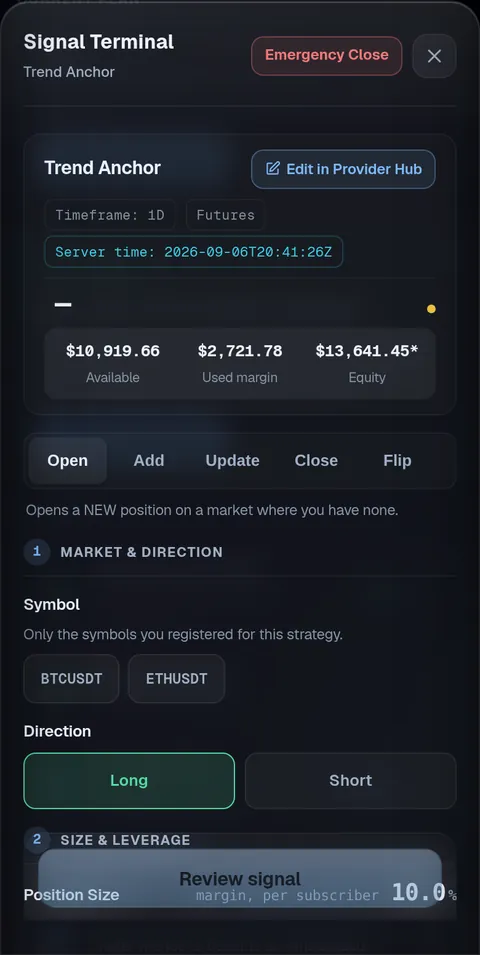
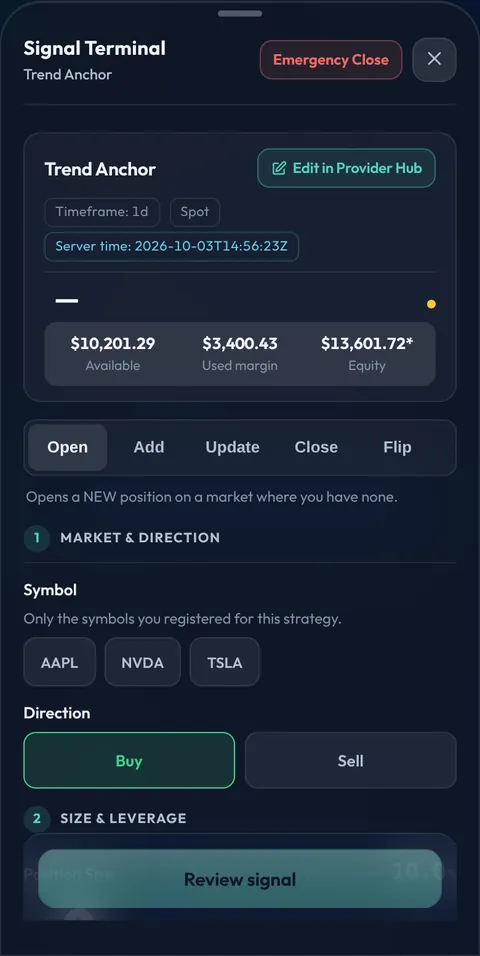
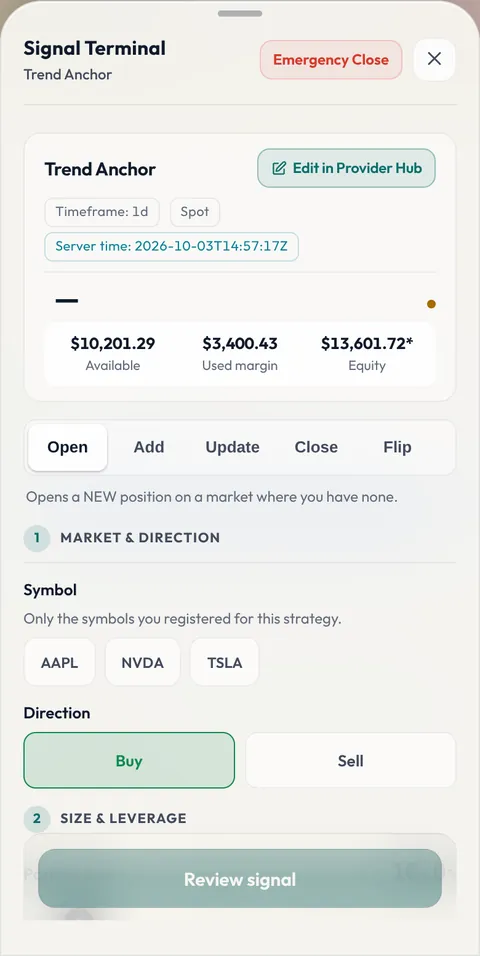
After approval: open the Signal Terminal in your Provider Hub, preview one Signal end to end, then press Go Live.
Go Live lists the Strategy on the Marketplace with the price and seats you set. Every Signal from then on is recorded permanently.
The most of the simulated capital a single position may lose at its stop, as a percentage. A stop that risks more than your declared cap is refused, and so is one at or past the position's liquidation price.
No leverage, or a maximum shown as "Up to N×", at most 20× on this market. The terminal never sends a Signal above your maximum.
Each Signal's size is a percentage of the simulated capital, which starts at $10,000 and is replayed from your positions. An entry the account cannot afford is not opened.
The price you saw while composing and the price fetched at send must agree within a small tolerance; otherwise the Signal is refused.
Your name, email and country come from your Triggon Profile and are shown read-only in the application.
A unique English name, a one-line summary, a full description, a risk level.
Optional website and social handles, a logo, a banner, a profile picture and a cover image.
Read live from the platform settings. Commodities has its own Hub cost and validity setting, separate from forex.
An illustration computed from the live fee rate, not a forecast or a guarantee. Actual earnings depend on filled seats, cancellations and refunds, promotions, and any automatic Hub top-up. What decides what you earn →
Opened in Telegram. It confirms the route you chose here, links this guide on every step, shows no webhook, API or platform field, and labels the venue field Broker.
Provider info, then the Strategy: name, summary, description, styles, risk level, market: Commodities (fixed from your route), spot CFD or the leveraged product, position mode, the instruments from the picker, your broker (optional), timeframes, the leverage mode and band (within 20×), the take-profit method, the maximum capital risk per position, prices and seats. Then branding, operations and the review.
No backtest export, no script screenshot, no broker credentials, no terminal login, no connection details, no take-profit ladder, no drawdown claim.
Every step is saved on the server; leave and return with your route, market and answers preserved. Nothing sensitive is stored in your browser.
The checklist at the end of this page, confirmed item by item, and the fees shown once more. Then Submit and Pay.
Every Signal from Go Live on is permanent and public. Your share of each subscription lands in your wallet. After 20 closed trades over 30 live days the Strategy is ranked by its Triggon Score.
Complete Signals with a stop and at least one target, managed to a close, sent within the sessions you declared. Positions left open over a weekend are yours to manage when the market reopens.
Prices (above the minimum), seats, pausing, Hub recharges: yourself. Description, links, images and declared trading facts: reviewed first.
The route (Manual), the market (commodities) and the instrument type are fixed at application. Automatic execution is reserved for Algo Strategies: your subscribers act on your Signals themselves.
The items the application asks you to confirm before Submit and Pay on the commodities Manual route.